
App Store & Google Play screenshots, done in minutes
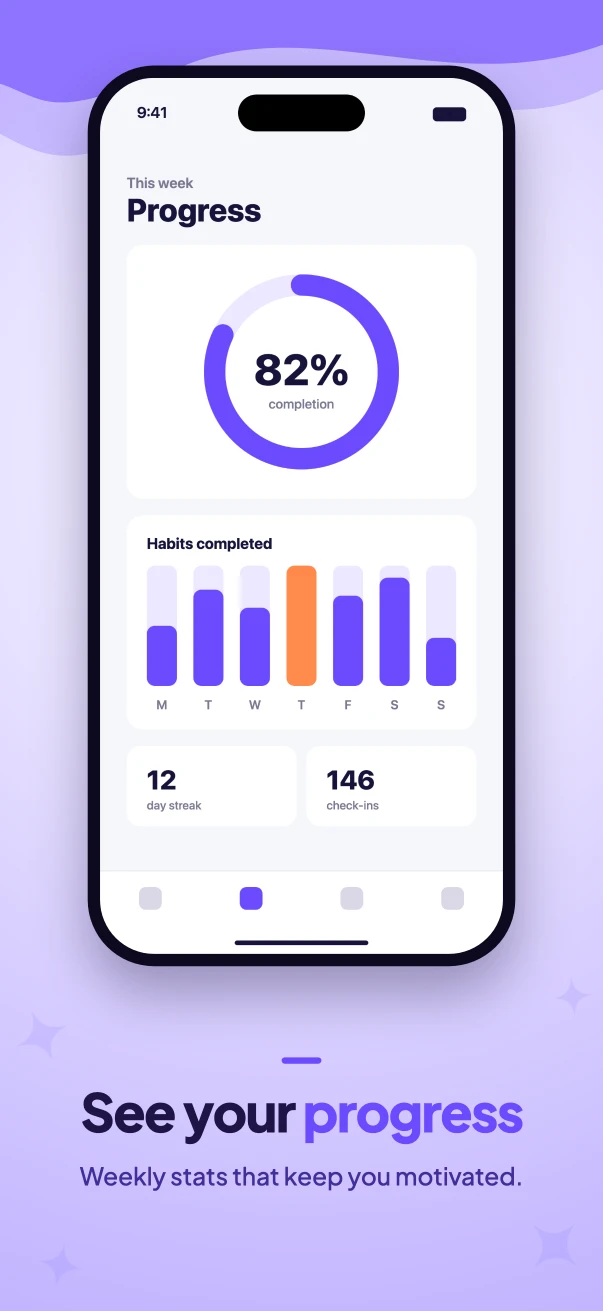
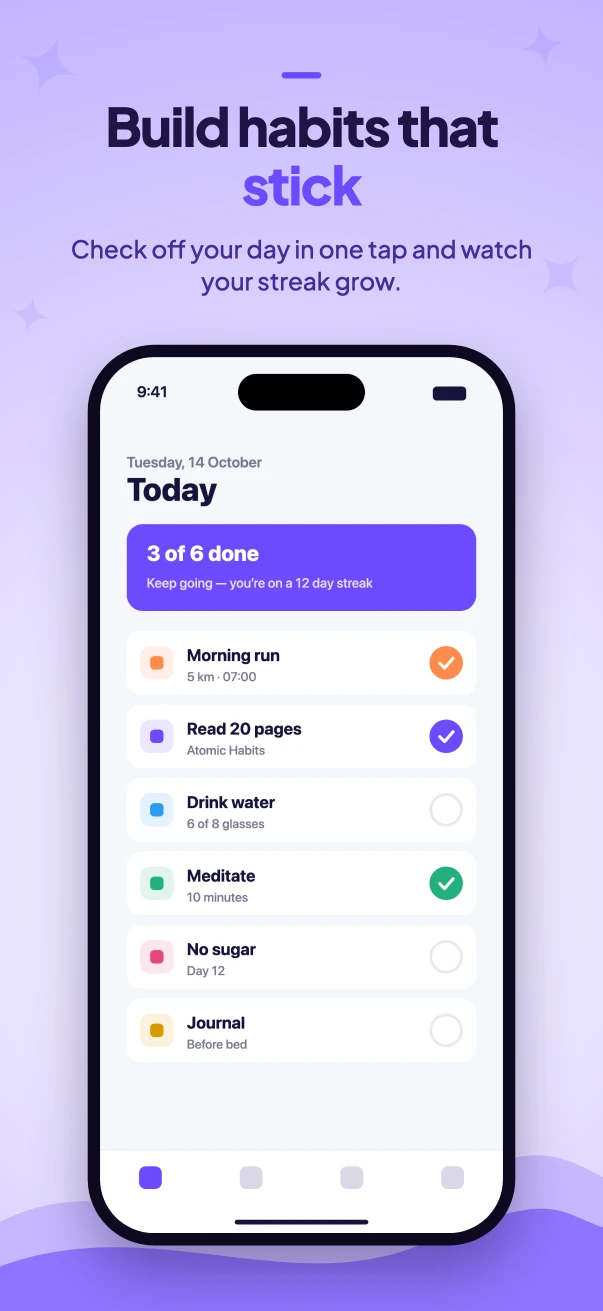
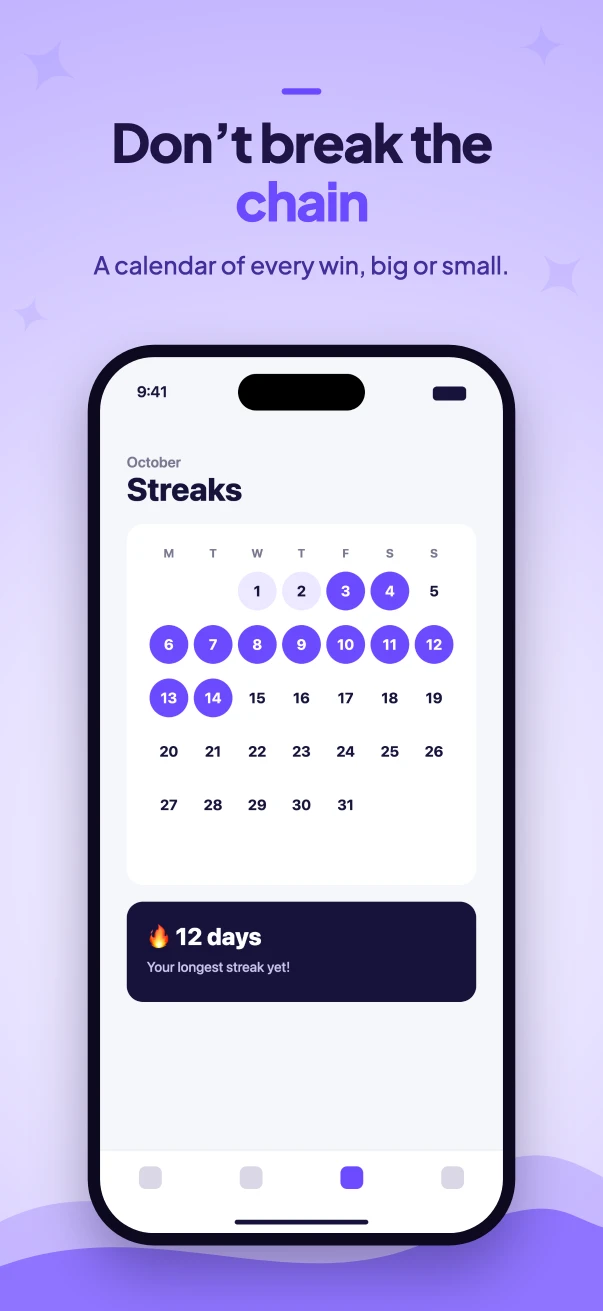
Drop in your app screenshots, write a headline for each, pick a style — and download every size the stores require, ready to upload.
- All 11 store sizes
- No watermark
- Images never leave your browser
How it works
No design tool, no templates to wrestle with. Three steps from raw screenshots to store-ready images.
Drop in your screenshots
Use the original screenshots from your phone or simulator. Add iPhone, Android and tablet images per slide — or reuse one set everywhere.
Write headlines, pick a style
Short benefit-driven headlines with highlighted words, a colour theme, font, device frame and background pattern.
Download one ZIP
Every selected size, in folders named after the App Store Connect and Play Console slots. Drag, drop, done.
Everything you need — nothing you don’t
Built for indie developers and small teams who want great-looking store listings without spending a day in Figma.
Every required size
iPhone 6.9" and 6.3", iPad 13", Android phone and tablets, plus the Google Play feature graphic — pixel-exact.
Clean device frames
Dark or light device frames, or frameless rounded screenshots. Text and devices line up across every slide.
Patterns & your own icon
Sparkles, hearts, bolts, music notes and more — or upload your logo or pick an emoji to decorate the background.
Themes that look good
Hand-tuned colour themes, nine web fonts, soft gradients and waves. Change one setting and every slide updates.
Private by design
Nothing is uploaded. Unreleased features stay on your machine — handy before launch day.
Projects that stick around
Autosaved in your browser. Download a backup and pick up where you left off on any computer.
Frequently asked questions
Is Store Screenshot Studio free?
Yes. Creating and exporting screenshots is free, with no watermark and no account.
Are my screenshots uploaded anywhere?
No. Everything — rendering, PNG encoding and the ZIP — happens inside your browser. Your images and projects are stored locally on your device (IndexedDB) and never sent to a server.
What screenshot sizes does the App Store need?
App Store Connect needs at least one iPhone size (we export the 6.3" and 6.9" Dynamic Island sizes by default) and, if your app runs on iPad, the 13" iPad size. See the full App Store screenshot size guide.
What does Google Play need?
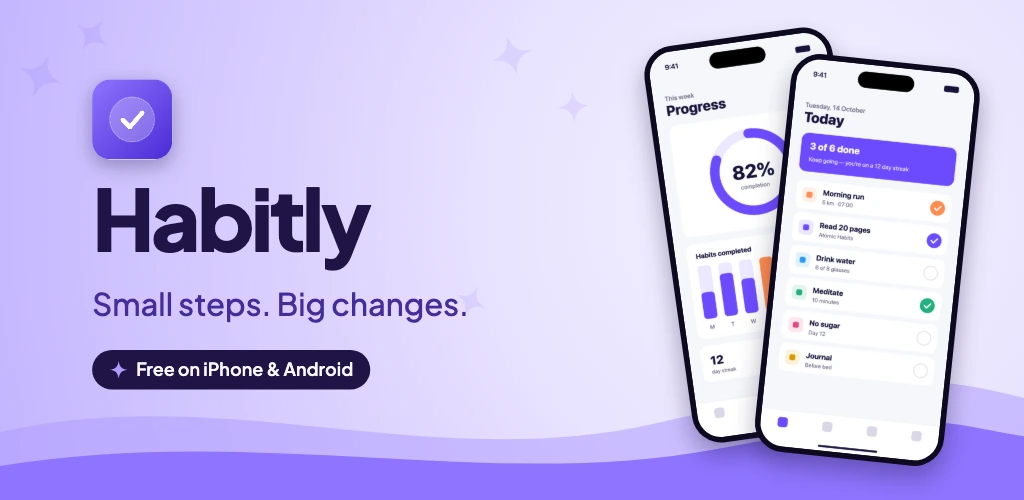
A 1024 × 500 feature graphic plus 2–8 phone screenshots. Tablet screenshots are recommended if your app supports tablets. See the Google Play screenshot size guide.
Can I use the same screenshots for both stores?
Yes. Add your iPhone screenshots once and the Android sizes reuse them automatically — or add real Android screenshots per slide if your UI differs.
Why are the exported PNGs without transparency?
App Store Connect and Google Play reject or flatten images with an alpha channel, so every export is a 24-bit RGB PNG at the exact pixel size the store expects.
Can I save my project and come back later?
Projects save automatically in your browser. You can also download a backup file and import it on another computer.
Ready to ship better screenshots?
Free, no account needed, and your images never leave your browser.
Open the editor — it’s free